
|
|
ShowTheBest.ComInteractive tables on your web pages |
This tool sets all the labels that ShowTheBest.Com uses to identify widgets and headers. It allows you to change (or leave) all the default initial values of these widgets.
Using this tool requires you to first define the Table Database. The first step is to specify the Interactive Table Directory (in stb) and the table configuration:
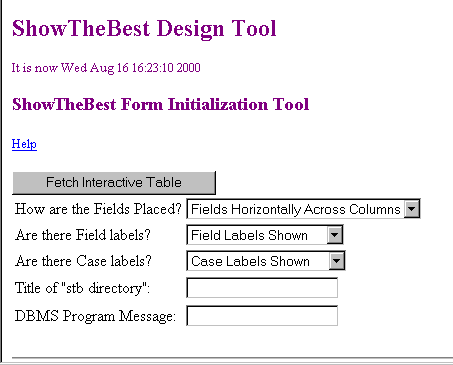
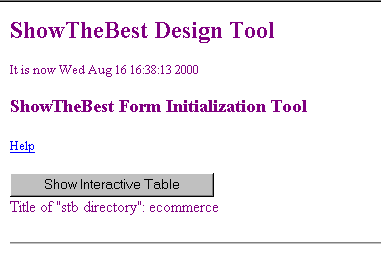
Once this is found the tool asks for a confirmation and is ready to display the Interactive Table:
This Interactive Table form is slightly different from the one that your user sees. It is designed to help you "tune" the rankings to the most appropriate the importance factors and values.
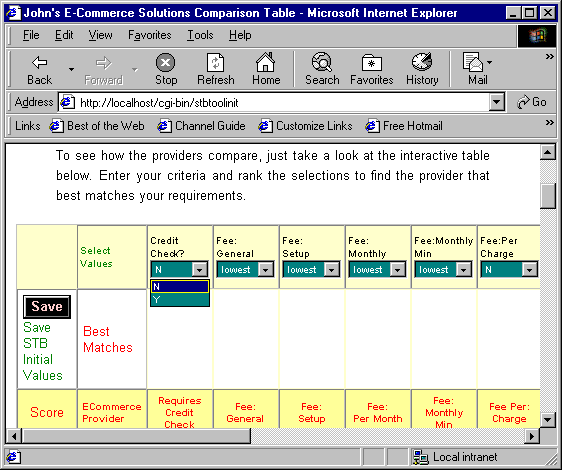
Every time you press the Save button, the settings in the importance and value widgets are saved to the init file initfile.txt in the Interactive Table Directory. Now when your user goes to the Interactive Table, the initial values that you set are displayed in the widgets.
© Inductive Solutions, Inc. All Rights Reserved.