
|
|
ShowTheBest.ComInteractive tables on your web pages |
Note: In order to record the log file in your Interactive Table, don't forget to check "Capture Log File " in the ShowTheBest.Com Controls Tool.
Here is a sample ShowTheBest.Com log file:
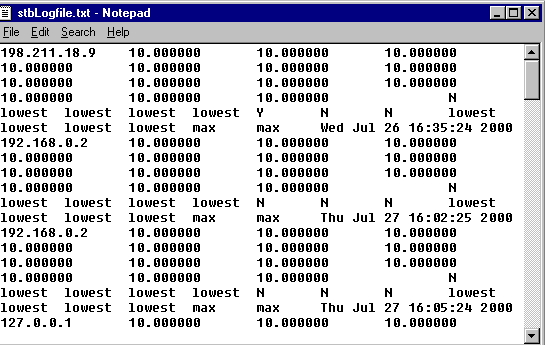
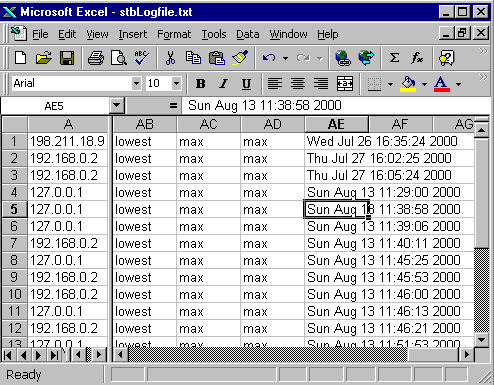
For example, if there are 10 non-information fields then the next 10 columns contain the numerical weights that the user selected. If the importance widget is an input box, then the input that the user typed in is recorded. If the importance widget is a choice selection, then the relative numerical equivalence is recorded.
The next set of fields record the values. For example, if there are 10 non-information fields then the next 10 columns (it could be more!) contain the values that the user selected. If the value widget is an input box, then the input that the user typed in is recorded. If the importance widget is a choice selection, then the selection value (not the relative numerical equivalence) is recorded.
Note that if the field is a preference, then both preferences are recorded in order of Preference 1, Preference 2, Preference 3. (Ths why there could be more than 10 columns of recorded value for an Interactive Table of 10 non-information fields.)
Some of the questions that you can answer using the log file are (for example):
© Inductive Solutions, Inc. All Rights Reserved.